


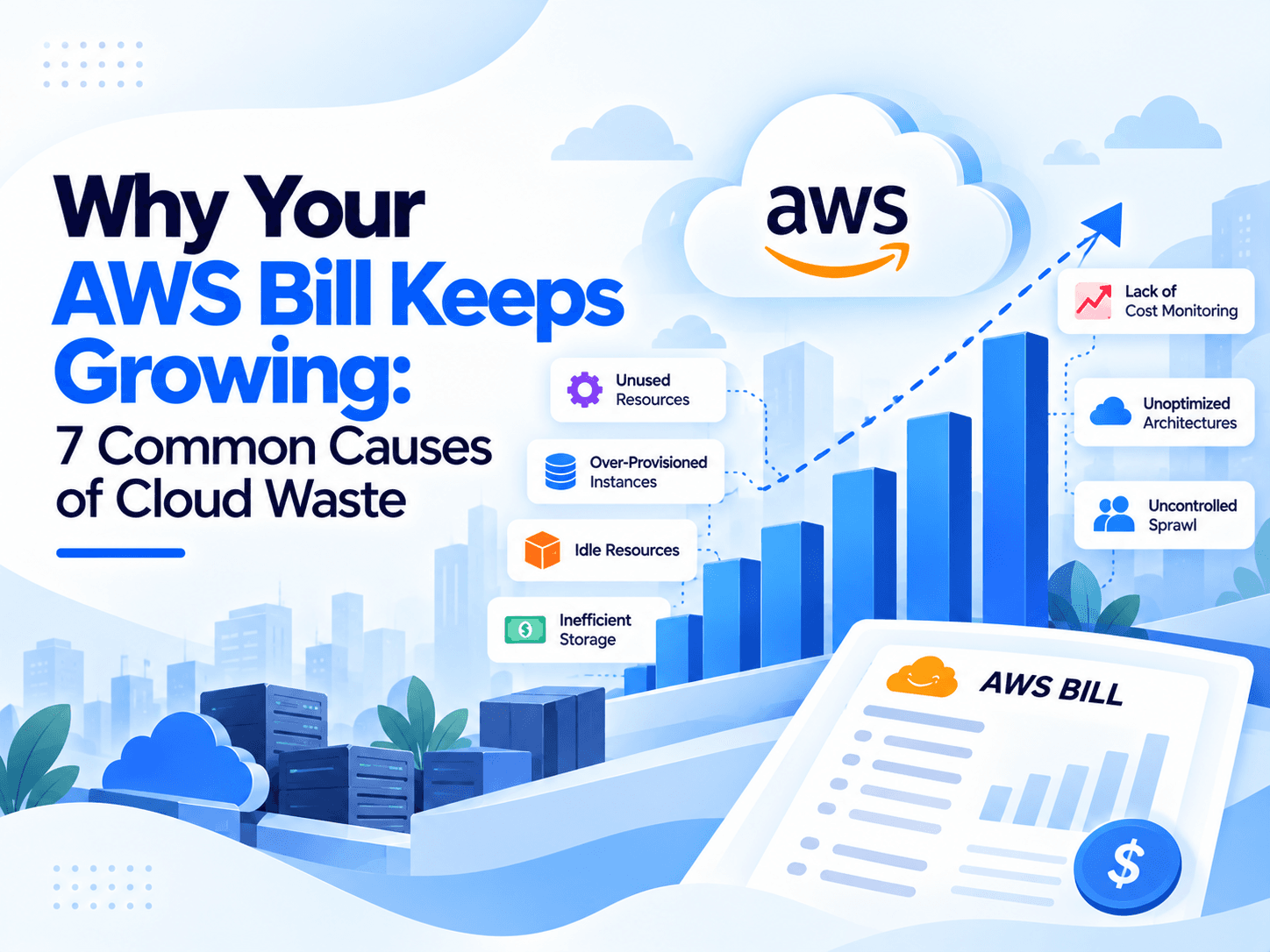
Quick Summary :- AWS bills often grow because of idle infrastructure, oversized EC2 instances, expensive network traffic, unused storage and snapshots, inefficient database configurations, inappropriate pricing plans, and insufficient cost monitoring. Businesses can address these problems through AWS Cost Explorer, AWS Budgets, AWS Compute Optimizer, lifecycle policies, resource tagging, and regular cost reviews. Effective AWS cost optimization is not just about spending less; it is about ensuring every cloud resource delivers measurable business value.
Cloud computing gives businesses the flexibility to scale applications, deploy infrastructure quickly, and pay for the resources they use. However, this flexibility can also create a costly problem: your AWS bill can continue to grow even when your business is not using its cloud infrastructure efficiently.
An application might run on oversized EC2 instances, old database snapshots might remain stored for months, and data transfer charges might increase without anyone noticing. Individually, these expenses may appear small. Over time, they can become a significant part of your cloud budget.
According to Flexera's 2025 State of the Cloud Report, 84% of organizations identified managing cloud spend as a top cloud challenge. This highlights why cloud cost visibility and ongoing optimization matter to organizations operating on AWS and other cloud platforms.
The good news is that rising AWS costs are often easier to manage when you understand where the money is going. By identifying unused resources, reviewing pricing models, monitoring network traffic, and improving infrastructure configurations, businesses can reduce unnecessary spending without compromising application performance.
In this guide, we explore seven common causes of high AWS bills, explain why they occur, and outline practical steps businesses can take to control cloud spending.
What Causes AWS Costs to Increase?
Amazon Web Services uses a pay-as-you-go pricing model for many services. This allows businesses to scale their infrastructure according to demand, but it also means that resources, storage, requests, and data transfers can generate charges as they are used.
The following table summarizes seven common sources of AWS cloud waste.
Cause | Why costs increase | Recommended action |
Idle resources | Unused instances and attached storage continue generating charges | Identify and remove unnecessary resources |
Oversized EC2 instances | Businesses pay for more computing capacity than workloads require | Right-size instances |
NAT Gateway and data transfer | Traffic processing and transfer charges accumulate | Analyze traffic patterns and routing |
Old snapshots and storage | Unnecessary data remains stored and billed | Apply lifecycle and retention policies |
Inefficient databases | Oversized instances, storage, and backup retention increase costs | Review database utilization |
Wrong pricing model | Workloads use expensive On-Demand capacity despite predictable demand | Evaluate Savings Plans and Spot Instances |
Poor cost visibility | Spending increases without timely investigation | Set budgets, alerts, and regular reviews |
Understanding these causes helps teams focus on the resources and configurations most likely to contribute to unnecessary spending.
1. Idle and Unused AWS Resources
One of the most common causes of unnecessary AWS spending is paying for resources that are no longer needed.
Development teams often create EC2 instances, testing environments, databases, storage volumes, and networking components while building or deploying applications. When a project is completed or a testing environment is no longer required, these resources may remain active.
Even when an application is not receiving traffic, some AWS resources can continue generating charges.
Why idle resources increase your AWS bill
Common examples include:
- EC2 instances running continuously without meaningful workloads.
- Development and staging environments left active overnight or during weekends.
- Unattached Amazon EBS volumes that retain storage capacity.
- Unused load balancers and NAT Gateways.
- Old resources left behind after application migrations.
- Resources deployed in multiple AWS regions that teams no longer monitor.
For example, a developer might launch several EC2 instances to test a new application feature. After testing is completed, the instances are no longer required, but nobody terminates them. If they remain running for weeks, the organization continues paying for their compute usage.
Stopping an EC2 instance can eliminate its instance compute charges while it is stopped, but associated EBS storage, Elastic IPs in some configurations, and other attached services may still incur charges. This is why a complete resource review is important.
How to identify and eliminate idle resources
Start by using AWS Compute Optimizer, which provides recommendations for supported idle resources, including EC2 instances, EBS volumes, RDS databases, and NAT Gateways.
Then follow these steps:
- Review resources across every AWS account and region your organization uses.
- Check utilization metrics and recent activity before deciding whether a resource is idle.
- Identify the team or application responsible for each resource.
- Stop, resize, or remove resources that are no longer needed.
- Automate shutdown schedules for non-production environments where appropriate.
- Review the environment regularly to prevent the same problem from returning.
Do not delete a resource solely because its utilization is low. Some systems are needed for disaster recovery, occasional workloads, compliance, or business continuity.
Cost optimization tip: Establish an owner and an expiration date for temporary resources. This simple process can prevent test environments and abandoned infrastructure from remaining active indefinitely.
2. Oversized EC2 Instances and Poor Resource Utilization
Amazon EC2 provides virtual servers in different instance families and sizes. These options let businesses select computing resources according to their application's CPU, memory, storage, and networking requirements.
However, choosing an instance that is larger than necessary can result in higher costs without delivering meaningful performance improvements.
For example, an application that operates comfortably on a smaller instance might be deployed on a large instance because the development team expects future growth. If the expected traffic never arrives, the organization continues paying for unused capacity.
How over-provisioning happens
Oversized EC2 instances often result from:
- Selecting infrastructure based on peak traffic without considering normal demand.
- Migrating applications to AWS without reviewing their actual resource requirements.
- Using the same instance size for development, testing, and production.
- Failing to review infrastructure after traffic decreases.
- Keeping old instance configurations even after application architecture changes.
The challenge is to balance cost savings with performance, reliability, and capacity requirements.
AWS recommends rightsizing as a way to match EC2 instance types and sizes to actual workload demands. Its Compute Optimizer guidance explains how utilization metrics and recommendations can help teams identify over-provisioned instances.
How to right-size EC2 instances
Use AWS Cost Explorer rightsizing recommendations and AWS Compute Optimizer to evaluate instance utilization.
Review these metrics before changing an instance:
Metric | What to investigate |
CPU utilization | Whether the instance regularly uses only a small portion of its processing capacity |
Memory utilization | Whether the application requires the allocated memory |
Network throughput | Whether the instance needs its current network capacity |
Storage performance | Whether attached volumes meet actual I/O requirements |
Peak demand | Whether traffic spikes require additional capacity |
Application latency | Whether a proposed change could affect response times |
Next, select a suitable smaller instance or another instance family if the workload supports it. Test the change in a non-production environment, monitor performance, and roll it out carefully.
Do not use a single CPU threshold as a universal rule. An application may have low average CPU utilization but still experience important short-lived spikes, memory pressure, or latency requirements.
Cost example: Oversized versus right-sized infrastructure
Consider a hypothetical application that runs on four instances costing $100 per month each. The monthly compute cost is $400.
If testing shows that four smaller instances can meet the same workload requirements at $65 per month each, the revised cost would be $260.
Measure | Before | After |
Number of instances | 4 | 4 |
Monthly cost per instance | $100 | $65 |
Monthly compute cost | $400 | $260 |
Potential monthly savings | — | $140 |
Potential cost reduction | — | 35% |
Illustrative figures only. Actual AWS costs depend on region, instance type, operating system, pricing model, and usage.
The main lesson is to size infrastructure according to observed workload requirements rather than assumptions.
3. NAT Gateway and Data Transfer Charges
Networking is another source of AWS expenses that can be difficult to identify without detailed monitoring.
A NAT Gateway enables resources in private subnets to initiate connections to external networks without requiring those resources to have public IP addresses. It is useful for many architectures, but its pricing includes hourly charges and data processing charges.
Additional data transfer charges may also apply depending on where the traffic travels.
Why NAT Gateway costs increase
Common causes include:
- Large volumes of outbound application traffic.
- Applications repeatedly downloading dependencies or container images.
- Workloads routing unnecessary traffic through a NAT Gateway.
- Cross-Availability Zone traffic.
- Data moving between AWS regions.
- Multiple NAT Gateways deployed without a clear availability or architecture requirement.
For example, an application running in a private subnet might repeatedly retrieve objects from Amazon S3 through a NAT Gateway when a suitable VPC endpoint could provide a more direct route. Depending on the architecture and pricing, changing the route can reduce avoidable network processing charges.
AWS's data transfer optimization guidance recommends selecting and designing components to minimize unnecessary data movement.
How to reduce network costs
- Review NAT Gateway charges in AWS Cost Explorer.
- Use VPC Flow Logs or other network monitoring tools to understand traffic patterns.
- Evaluate gateway VPC endpoints for supported services such as Amazon S3 and DynamoDB.
- Investigate unnecessary cross-region and cross-Availability Zone traffic.
- Remove unused NAT Gateways only after confirming that applications do not depend on them.
- Review load balancers, public IPv4 addresses, and other networking resources.
AWS also documents checks for idle NAT Gateways through its cost optimization guidance.
Important: Do not remove network components purely to reduce costs. NAT Gateways, redundant network paths, and multi-AZ architectures may be important for security, availability, and operational resilience. Evaluate cost changes alongside those requirements.
4. Old EBS Snapshots and Unnecessary Storage
Storage expenses can grow gradually because organizations retain more data than they actually need.
Amazon Elastic Block Store (EBS) provides block storage for EC2 instances. EBS snapshots help protect data and support recovery, but old snapshots can continue to incur storage charges.
The problem is not that backups are unnecessary. The problem is retaining backups without a clear retention policy or understanding which data is still required.
How storage waste develops
Consider a business that creates daily snapshots of several EBS volumes. Over time, the organization accumulates hundreds of snapshots. Some may belong to retired applications, temporary test environments, or systems that have been replaced.
Even after the original EC2 instance has been terminated, its snapshots may remain.
Other storage-related issues include:
- Unattached EBS volumes.
- Old application logs and exported files.
- Duplicate datasets.
- Amazon S3 objects that are rarely accessed but remain in expensive storage classes.
- Excessive object version retention.
- Backups kept beyond operational or regulatory requirements.
Practical ways to reduce storage costs
Audit EBS volumes and snapshots. Identify resources that are no longer attached to active workloads and confirm whether their data must be retained.
Create snapshot lifecycle policies. Define how frequently backups are created, how long they are retained, and when they can be deleted.
Use Amazon S3 lifecycle rules. Move eligible data to more economical storage classes when access patterns and retrieval requirements support the change.
Review data retention requirements. Confirm legal, security, and recovery obligations before removing backups.
Monitor storage growth. Track storage usage over time rather than reviewing it only when a bill becomes unexpectedly high.
For example, a business might retain daily backups for a short period, weekly backups for a longer period, and monthly backups according to its recovery requirements. The appropriate schedule depends on how quickly the organization must recover and how much historical data it needs.
The goal is not to remove every old snapshot. It is to ensure that storage spending supports a deliberate backup and recovery strategy.
5. Inefficient Database Configurations
Database costs can increase when organizations provision excessive capacity, retain unnecessary backups, or operate databases that no longer serve active applications.
Amazon RDS and Amazon Aurora simplify database administration, but managed services still require cost management. Depending on the configuration, expenses may include database instances, storage, provisioned IOPS, backup storage, data transfer, and additional availability features.
Common causes of high database costs
- Running oversized database instances.
- Keeping development databases active around the clock.
- Retaining unused database snapshots.
- Allocating more storage or IOPS than workloads require.
- Maintaining unnecessary read replicas.
- Keeping obsolete database instances after migration.
- Using multi-AZ deployments without evaluating the required availability level.
A database that appears lightly utilized may still be important to a business process. Therefore, resource usage must be considered alongside workload criticality and recovery requirements.
How to optimize AWS database costs
First, review CPU utilization, memory, database connections, storage growth, I/O performance, and query patterns. Use Amazon CloudWatch metrics and database monitoring features to understand how resources are being used.
Next, right-size database instances and storage based on actual workload needs. Consider scheduling shutdowns for eligible non-production databases when they are not required, and review backup retention policies to eliminate unnecessary storage.
For predictable workloads, compare the applicable database pricing options, including reserved capacity where available. Test any changes carefully before applying them to production systems.
Finally, assess the cost of availability features before changing them. Multi-AZ deployments can provide valuable resilience, and reducing that protection solely to lower costs may introduce unacceptable business risk.
The best approach is to remove waste while preserving database performance, availability, and data protection.
6. Choosing the Wrong AWS Pricing Model
AWS provides different pricing options to support workloads with different usage patterns. Selecting an unsuitable model can cause businesses to pay more than necessary.
On-Demand pricing offers flexibility without a long-term usage commitment. Savings Plans can reduce eligible compute costs in exchange for a commitment to a consistent amount of eligible usage over a specified term. Spot Instances provide access to spare EC2 capacity at discounted rates, but they can be interrupted by AWS.
The best choice depends on how predictable the workload is and whether it can tolerate interruptions.
Comparing common AWS pricing models
Pricing model | Best suited for | Main consideration |
On-Demand | Variable, short-term, or uncertain workloads | Flexible, but may cost more for steady usage |
Savings Plans | Consistent eligible compute usage | Commitment creates financial obligations |
Reserved Instances | Suitable predictable workloads covered by the applicable reservation terms | Discounts depend on the offer and its conditions |
Spot Instances | Fault-tolerant, interruptible workloads | Capacity can be interrupted |
How to select the right pricing strategy
Start by analyzing historical usage. Identify which workloads operate consistently and which vary significantly throughout the day or month.
For stable compute requirements, evaluate Savings Plans and applicable Reserved Instances against expected usage. Avoid making commitments based only on temporary usage spikes.
For flexible workloads, such as fault-tolerant batch processing, testing, or certain CI/CD tasks, consider Spot Instances if the application can handle interruptions.
A mixed approach can be more effective than using one pricing model for every workload. For example, a business might cover its stable baseline compute usage with a suitable commitment and use On-Demand or Spot capacity for additional demand, depending on the workload's reliability requirements.
Review your commitments regularly to ensure they still match the way your applications operate.
7. Poor Cost Visibility and Lack of Monitoring
The final cause connects many of the other problems: businesses cannot control cloud spending effectively if they do not know which resources are responsible for it.
Without regular cost reviews, an organization may discover unnecessary charges only after its monthly AWS invoice arrives. By that point, idle resources may have been running for weeks, and a data transfer issue may have already generated substantial expenses.
Cloud cost management should be a continuous operational process rather than an occasional billing exercise.
In Flexera's 2025 State of the Cloud Report, 84% of respondents identified managing cloud spend as a top cloud challenge, while 77% identified security as a challenge. These findings show why cloud cost management must be treated as an ongoing organizational responsibility rather than a one-time technical task.
How to improve AWS cost visibility
Use AWS Cost Explorer. Review spending by service, linked account, region, and usage type. Compare periods to identify sudden increases.
Configure AWS Budgets. Establish cost and usage thresholds and configure notifications so that responsible teams can investigate unexpected changes.
Enable cost allocation tags. Apply consistent tags for applications, projects, departments, environments, and owners. Activate the appropriate cost allocation tags in billing tools to make spending easier to attribute.
Review AWS Cost Optimization Hub. Use consolidated recommendations to identify opportunities across supported resources.
Assign cost ownership. Make engineering teams responsible for understanding the costs of the resources they create and operate.
Conduct regular reviews. Review significant cost changes, investigate unexpected usage, and track whether previously identified optimization actions have been completed.
These measures help organizations detect waste earlier and establish a repeatable process for controlling costs.
AWS Cost Optimization: A Practical 30-Day Action Plan
Identifying cost problems is only the first step. Businesses need a structured process to turn findings into measurable improvements.
The following plan provides a starting point for engineering teams, DevOps professionals, and cloud administrators.
Timeline | Recommended action | Expected outcome |
Week 1 | Review AWS bills and identify the highest-cost services | Clear view of major cost drivers |
Week 2 | Audit idle EC2 instances, EBS volumes, snapshots, and network resources | Identification of avoidable resource spending |
Week 3 | Evaluate EC2 rightsizing, database utilization, and pricing models | Prioritized optimization opportunities |
Week 4 | Configure budgets, alerts, tagging, and recurring reviews | Better visibility and ongoing cost control |
This schedule is a suggested workflow, not an AWS-mandated timeline. Large or complex environments may need more time for investigation, testing, and implementation.
Which AWS cost optimization tools should you use?
AWS tool | Primary purpose |
Analyze historical spending and usage patterns | |
Set spending thresholds and receive alerts | |
Get resource rightsizing recommendations | |
Review supported cost-saving recommendations in one place | |
Estimate costs for planned AWS configurations |
Use these tools together where appropriate. Cost Explorer helps explain where money is being spent, while optimization recommendations help identify potential improvements. Budgets help teams respond when costs exceed expected levels.
Remember that budget alerts do not automatically prevent every unexpected charge. Some cost controls require additional configuration and operational action.
Best Practices to Prevent AWS Bills From Growing Again
Once you have addressed the main sources of waste, establish policies to prevent them from returning.
- Create a resource ownership policy: Every production resource should have an identifiable owner.
- Automate non-production shutdowns: Stop eligible development and testing environments when they are not needed.
- Review infrastructure after major changes: Reassess capacity after launches, migrations, and traffic changes.
- Apply storage retention policies: Keep the backups and data your business needs without retaining everything indefinitely.
- Monitor network usage: Investigate unexpected changes in NAT Gateway, inter-region, and outbound data transfer charges.
- Review pricing commitments: Ensure Savings Plans and reservations continue to match actual workload requirements.
- Track savings after implementation: Compare actual bills before and after each optimization, accounting for changes in traffic and usage.
- Balance cost with reliability: Never sacrifice necessary security, availability, or recovery capabilities without an appropriate risk assessment.
Organizations can also adopt FinOps practices that bring engineering, finance, and business teams together to review cloud spending and connect infrastructure decisions with business outcomes.
Conclusion
A growing AWS bill does not always mean that a business is using more cloud resources to deliver more value. In many cases, unnecessary spending results from idle infrastructure, oversized EC2 instances, inefficient networking, outdated snapshots, poorly optimized databases, unsuitable pricing models, and limited cost visibility.
The most effective response is to identify the underlying cause before making changes. Start with AWS Cost Explorer to understand your spending, use AWS Compute Optimizer to evaluate eligible resources, and configure budgets and alerts to detect future cost increases. Then introduce regular infrastructure reviews, clear resource ownership, and appropriate retention policies.
AWS cost optimization is an ongoing process, not a one-time cleanup. Businesses that regularly align cloud resources with actual demand can improve cost efficiency while maintaining the performance, security, and reliability their applications require.
Frequently Asked Questions
AWS bills can increase because of idle resources, higher data transfer, oversized instances, growing storage, and increased application traffic.
Start by identifying idle resources, reviewing EC2 utilization, removing unnecessary storage, and investigating unexpected network charges.
AWS Cost Explorer, Compute Optimizer, and Cost Optimization Hub help identify spending patterns and potential optimization opportunities.
Yes. Resources such as EBS volumes, snapshots, and certain networking components can continue generating charges even when they are not actively used.
Review spending at least monthly, with automated alerts and more frequent checks for critical or rapidly changing workloads.
12 min read

Dhruv Patel
Dhruv Patel is the CEO of Zyora Global, bringing a strong technology background and a passion for building scalable digital solutions. With expertise in software development, product strategy, and business growth, he leads the company in delivering innovative web, mobile, AI, and enterprise solutions that help businesses accelerate their digital transformation.