


Quick Summary :- Enterprise AI projects often succeed as prototypes but struggle in production due to poor data, security gaps, infrastructure limitations, high AI costs, legacy integrations, weak monitoring, and governance issues. This guide explains 10 common enterprise AI scaling problems and practical ways to build AI systems that are secure, reliable, scalable, and cost-efficient.
Enterprise AI is moving from experimentation to production faster than ever. Gartner predicted that more than 80% of enterprises would have used generative AI APIs, models, or deployed generative-AI-enabled applications in production by 2026, up from less than 5% in 2023.
But adopting AI is not the same as successfully scaling it.
Many organizations can build an impressive proof of concept, demonstrate an accurate model, or launch an AI-powered feature. The difficult part begins afterward: connecting AI to existing systems, protecting sensitive data, managing infrastructure costs, meeting compliance requirements, maintaining model quality, and supporting thousands or millions of users.
Recent research highlights this gap. Deloitte found that 68% of organizations said 30% or fewer of their GenAI experiments had moved fully into production, while nearly three-quarters said their most advanced GenAI initiative was meeting or exceeding ROI expectations.
So, why do enterprise AI projects struggle to scale?
The answer usually isn't the AI model alone. The bigger problems are architecture, data, security, infrastructure, integration, governance, cost management, and the absence of a clear path from prototype to production.
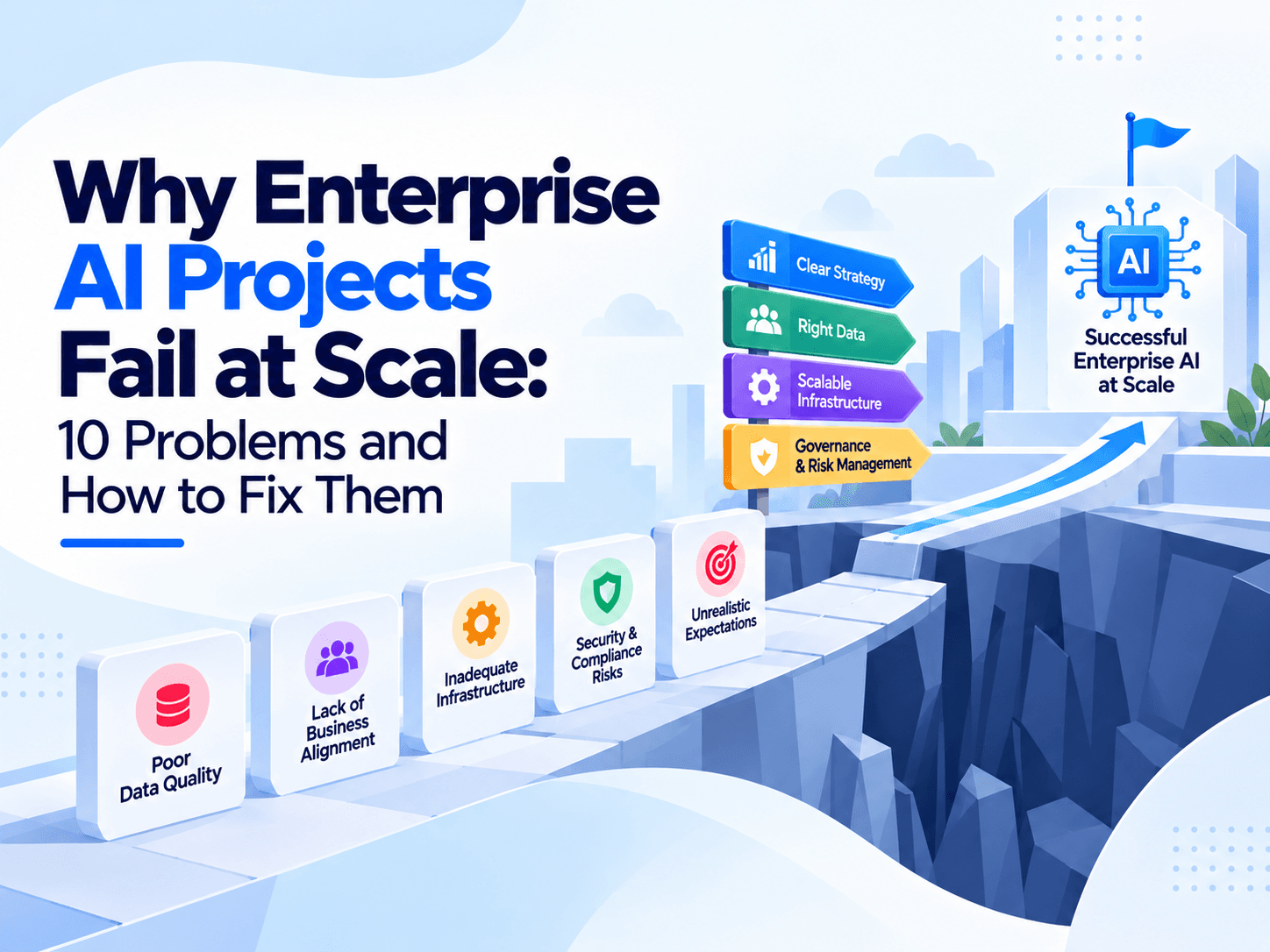
This guide explores 10 major reasons enterprise AI projects fail at scale and practical ways businesses can fix them.
The Enterprise AI Scaling Gap
Before looking at individual problems, it is important to understand what "failure" means in enterprise AI.
An AI project doesn't necessarily fail because its model produces inaccurate predictions.
It can fail because:
- The model is too expensive to operate.
- Response times become unacceptable at higher traffic.
- Data cannot be accessed reliably.
- Security teams block production deployment.
- The application cannot integrate with legacy systems.
- Compliance requirements were ignored during development.
- Model performance deteriorates after deployment.
- Teams cannot monitor or explain AI decisions.
- Infrastructure cannot handle demand.
- The project produces impressive demos but weak business value.
In other words, enterprise AI failure is often an engineering and operational problem rather than a machine-learning problem.
1. Starting With the AI Model Instead of the Business Problem
One of the most common enterprise AI mistakes is beginning with technology rather than business objectives.
A company discovers a powerful large language model, computer vision model, recommendation engine, or predictive model and immediately starts building around it.
The question should instead be:
What measurable business problem are we solving?
For example, "We want to use generative AI" is not a business objective.
A stronger objective would be:
- Reduce customer support response time by 40%.
- Automate document classification.
- Reduce manual invoice processing.
- Improve fraud detection.
- Predict equipment failures.
- Reduce software-development cycle time.
- Improve search across internal enterprise knowledge.
How to fix it
Define measurable outcomes before selecting the model.
A useful enterprise AI business case should include:
Business Area | AI Objective | KPI |
Customer service | Automate repetitive questions | Resolution time |
Finance | Detect suspicious transactions | Detection rate |
Healthcare | Assist clinical documentation | Documentation time |
Manufacturing | Predict equipment failures | Downtime |
Sales | Improve lead prioritization | Conversion rate |
Operations | Automate document processing | Processing cost |
Once the business KPI is clear, technology decisions become much easier.
The organization can determine whether it actually needs a large language model, traditional machine learning, computer vision, retrieval-augmented generation, an AI agent, or a simpler automation workflow.
2. Treating a Prototype Like a Production System
A prototype is designed to prove that something can work.
A production system must prove that it can work reliably, securely, repeatedly, and economically.
These are very different requirements.
A prototype may use:
- A single model endpoint
- A small dataset
- Manual testing
- Hard-coded credentials
- One server
- Minimal monitoring
- Development APIs
- Manual deployments
That architecture may be acceptable for experimentation.
It becomes dangerous when thousands of employees or customers depend on it.
How to fix it
Create a clear transition from:
Prototype → Pilot → Production → Scaled Production
Each stage should introduce additional requirements.
Stage | Primary Goal | Key Requirements |
Prototype | Validate idea | Model performance |
Pilot | Validate business value | Real users and data |
Production | Reliability | Security, monitoring, SLAs |
Scale | Growth | Autoscaling, optimization, governance |
The production architecture should be designed before the pilot becomes business-critical.
3. Poor Data Quality and Fragmented Enterprise Data
AI systems are only as useful as the data supporting them.
Enterprise organizations often have data distributed across:
- CRM systems
- ERP platforms
- Data warehouses
- Cloud storage
- Databases
- APIs
- Legacy applications
- Documents
- Email systems
- Internal knowledge bases
This creates a major problem: the AI application may not have reliable access to the right information.
Even worse, the same customer or product can have different values across different systems.
For example:
System | Customer Status |
CRM | Active |
Billing System | Suspended |
Support Platform | Active |
Data Warehouse | Unknown |
An AI model cannot solve this inconsistency by itself.
How to fix it
Build a strong enterprise data foundation before scaling AI.
This includes:
- Data classification
- Data quality rules
- Data ownership
- Data lineage
- Data validation
- Master data management
- Access controls
- Metadata management
- Data observability
- Real-time and batch pipelines
For generative AI, organizations should also evaluate retrieval quality.
A sophisticated LLM connected to poor enterprise data can still generate poor answers.
4. Ignoring Security Until Deployment
Security cannot be added at the end of an AI project.
AI introduces additional attack surfaces involving:
- Training data
- Prompts
- Model outputs
- APIs
- Vector databases
- Agents
- Plugins and tools
- Model endpoints
- Enterprise documents
- User identities
NIST AI Risk Management Framework is specifically designed to help organizations incorporate trustworthiness considerations into the design, development, use, and evaluation of AI systems. NIST also published a dedicated Generative AI Profile covering risks and suggested Risk-Managementlifecycle actions.
Security problems can become extremely expensive.
IBM's 2026 Cost of a Data Breach research reports that the global average cost of a data breach reached $4.99 million, while AI-driven attacks increased significantly year over year.
In India, IBM reported that the average organizational cost of a data breach reached ₹255 million in 2026, while 26% of malicious breaches in India were AI-generated.
How to fix it
Enterprise AI security should include:
- Strong identity and access management
- MFA
- Role-based access control
- Encryption at rest and in transit
- Secrets management
- Network segmentation
- API security
- Input validation
- Output filtering
- Audit logging
- Model access controls
- Data-loss prevention
- Vulnerability scanning
- Security testing
- Incident response
Security should become part of the architecture rather than a final approval checkpoint.
5. Underestimating AI Infrastructure and Scaling Requirements
An AI system that works for 100 users may behave very differently when exposed to 100,000 users.
The workload can grow rapidly because every request may involve:
- Authentication
- Data retrieval
- Embedding generation
- Vector search
- Model inference
- Tool execution
- Database operations
- Response generation
- Logging
- Monitoring
A seemingly simple AI request can therefore become a complex distributed workload.
How to fix it
Design infrastructure around expected workload rather than current traffic.
Important considerations include:
- Requests per second
- Concurrent users
- Average response time
- GPU utilization
- CPU utilization
- Memory requirements
- Model size
- Token consumption
- Data-transfer volume
- Database throughput
A scalable architecture may use:
API Gateway → Load Balancer → AI Service → Queue → Model Serving → Data Layer
This allows individual components to scale independently.
6. AI Inference Becomes Too Expensive
An AI application can generate business value and still become financially unsustainable.
This is especially relevant for applications using large models, high-volume inference, or agentic workflows.
Consider an enterprise chatbot with thousands of daily users.
Every request may involve model calls, retrieval, embeddings, tool calls and additional model reasoning.
The cost can grow rapidly.
How to fix it
Use a combination of:
- Model routing
- Smaller models for simpler tasks
- Quantization
- Response caching
- Prompt optimization
- Batching
- Retrieval optimization
- Token limits
- Asynchronous processing
- GPU utilization monitoring
Not every task requires the most powerful available model.
For example:
Task | Potential Approach |
Simple classification | Small ML/LLM model |
FAQ | Retrieval + smaller model |
Complex reasoning | Larger model |
Document extraction | Specialized model |
Real-time prediction | Optimized inference model |
Batch processing | Asynchronous GPU workloads |
The objective is not to minimize AI usage.
The objective is to achieve the best business outcome per unit of compute.
7. Legacy Systems Block AI From Scaling
Enterprise AI rarely operates in isolation.
It often needs to connect to decades-old systems.
These may include:
- Mainframes
- Legacy databases
- ERP systems
- Custom APIs
- On-premise applications
- Older authentication systems
- File-based workflows
This creates a major integration challenge.
A recent study reported by Reuters found that AI adoption is stalling in some organizations despite positive financial results, with legacy IT integration and regulatory challenges among the barriers to broader implementation; only 13% of organizations in the study were successfully progressing with their AI initiatives, while nearly three-quarters reported positive financial outcomes from AI projects.
How to fix it
Don't immediately replace every legacy system.
Instead, introduce an integration layer.
A practical architecture can look like:
AI Application → API Layer → Integration Services → Legacy Systems
Useful approaches include:
- API gateways
- Event-driven architecture
- Message queues
- Data synchronization
- Microservices
- Service adapters
- ETL/ELT pipelines
This allows the AI layer to evolve without forcing the entire enterprise to migrate simultaneously.
8. Failing to Design for Multi-Tenancy
Enterprise AI platforms often need to serve multiple departments, customers or business units.
For example, a SaaS AI platform may have:
- Customer A
- Customer B
- Customer C
- Internal administrators
The biggest concern is isolation.
Customer A should never retrieve Customer B's documents through an AI query.
This becomes particularly important when using retrieval-augmented generation and vector databases.
How to fix it
Implement tenant isolation at multiple layers.
Layer | Security Control |
Identity | Tenant-aware authentication |
API | Tenant validation |
Database | Row-level security |
Vector DB | Tenant metadata filters |
Storage | Separate access policies |
Compute | Resource quotas |
Monitoring | Tenant-specific logs |
Billing | Tenant-level metering |
Multi-tenancy should be designed into the architecture rather than added after the platform has already been deployed.
9. Lack of AI Monitoring and Model Observability
Traditional software monitoring is not enough for AI.
A traditional application may be considered healthy when:
- CPU is normal
- Memory is normal
- Error rates are low
- Requests are successful
AI systems require additional signals.
You also need to know:
- Is model accuracy declining?
- Has the input data changed?
- Is model drift increasing?
- Are hallucinations increasing?
- Are users rejecting responses?
- Is latency increasing?
- Are token costs rising?
- Are certain tenants receiving worse results?
- Has a model version changed performance?
How to fix it
Build AI observability around four areas:
Infrastructure → Application → Data → Model
A mature monitoring system should track:
Monitoring Area | Example Metric |
Infrastructure | GPU utilization |
Application | API latency |
Data | Data-quality score |
Model | Accuracy |
GenAI | Groundedness |
Security | Suspicious requests |
Cost | Cost per request |
User experience | Feedback score |
NIST's AI RMF recommends structured risk management across the AI lifecycle, which makes continuous evaluation and monitoring an important part of responsible enterprise AI operations.
10. No Clear AI Governance Strategy
AI governance is often treated as paperwork.
In reality, governance determines who can build, deploy, access, modify and monitor AI systems.
Without governance, organizations can experience:
- Shadow AI
- Unapproved models
- Sensitive data exposure
- Regulatory problems
- Poor model accountability
- Duplicate AI projects
- Uncontrolled cloud spending
IBM's 2025 research found that 63% of surveyed organizations had no AI governance policies in place, while organizations with significant shadow-AI use faced additional breach costs.
How to fix it
Create an enterprise AI governance framework covering:
- Approved AI models
- Data classification
- Model risk levels
- Human oversight
- Security requirements
- Compliance requirements
- Model evaluation
- Audit requirements
- Incident management
- Retirement procedures
NIST Generative AI Profiles a useful framework for identifying and managing risks throughout the AI lifecycle.
Enterprise AI Scaling Checklist
Before moving an AI project from pilot to production, organizations should evaluate the following areas.
Category | Key Question |
Business | Does the project have measurable ROI? |
Data | Is the required data accurate and accessible? |
Security | Are identities, data and models protected? |
Compliance | Are applicable regulatory requirements mapped? |
Architecture | Can individual components scale independently? |
Infrastructure | Can the platform handle peak demand? |
Cost | Is cost per prediction/request sustainable? |
Model | Has the model been evaluated under realistic conditions? |
Monitoring | Can teams detect failures and model degradation? |
Governance | Are ownership and approval processes defined? |
Integration | Can the AI system work with enterprise applications? |
Recovery | Are backup, RTO and RPO requirements defined? |
If several of these answers are "no," the project may not be ready for production.
A Better Enterprise AI Scaling Strategy
Instead of trying to scale everything simultaneously, organizations should use a phased approach.
Phase 1: Validate the Business Case
Start with a narrowly defined business problem.
Define:
- Business KPI
- Expected ROI
- Users
- Data requirements
- Security classification
- Success criteria
Do not start with the largest possible AI model.
Phase 2: Build a Production-Oriented Prototype
The prototype should already consider:
- Authentication
- Data access
- Logging
- Model evaluation
- API design
- Cost measurement
This reduces the gap between experimentation and production.
Phase 3: Run a Controlled Pilot
Expose the application to a limited group of users.
Measure:
- Accuracy
- Latency
- Cost
- User satisfaction
- Failure rates
- Security events
- Model behavior
The objective is to identify weaknesses before the system becomes business-critical.
Phase 4: Introduce Enterprise Controls
Before broad deployment, implement:
- IAM
- RBAC
- Encryption
- Monitoring
- Compliance controls
- Audit logging
- Incident response
- Data governance
This is where security and governance become production requirements rather than theoretical considerations.
Phase 5: Scale Infrastructure
Once the application proves its value, optimize the architecture.
Use:
- Load balancing
- Autoscaling
- Kubernetes where appropriate
- Queues
- Distributed databases
- Caching
- GPU optimization
- Model routing
- Multi-region infrastructure when necessary
The goal is not simply to add more servers.
The goal is to remove bottlenecks from the architecture.
Phase 6: Continuously Optimize
Enterprise AI is not a "launch and forget" system.
Models change.
Data changes.
User behavior changes.
Costs change.
Regulations change.
Infrastructure changes.
Therefore, AI systems need continuous evaluation and improvement.
A mature enterprise AI lifecycle looks like:
Build → Evaluate → Deploy → Monitor → Optimize → Retrain → Re-evaluate
5 Architecture Principles for Scalable Enterprise AI
1. Design for Failure
Assume that:
- Models will become unavailable.
- APIs will fail.
- Databases will experience outages.
- Traffic will spike.
- Data pipelines will break.
Build fallbacks and recovery mechanisms accordingly.
2. Keep Components Loosely Coupled
Don't put every AI function inside one massive application.
Separate:
- Authentication
- Data ingestion
- Retrieval
- Inference
- Business logic
- Monitoring
- Billing
This allows individual components to scale independently.
3. Make Security a Design Requirement
Security should influence architecture from the beginning.
Use:
- Least privilege
- Encryption
- Identity-based access
- Network segmentation
- Secure secrets
- Audit trails
4. Measure Before Optimizing
Don't guess where the system is slow or expensive.
Measure:
- Latency
- Throughput
- GPU usage
- Token consumption
- Database performance
- Error rates
- Model quality
Then optimize the actual bottleneck.
5. Build With the Future in Mind
An enterprise AI platform should support changes in:
- Models
- Cloud providers
- Data sources
- User volumes
- Compliance requirements
- Business use cases
Avoid unnecessary vendor lock-in where flexibility is strategically important.
Enterprise AI Architecture: A Practical Reference Model
A scalable enterprise AI architecture can be structured into several layers:
User Layer
Web applications, mobile applications, internal enterprise applications and APIs.
↓
Security Layer
Identity, SSO, MFA, authorization, API gateway and WAF.
↓
Application Layer
AI agents, business workflows, orchestration and application logic.
↓
AI Layer
LLMs, machine-learning models, embeddings, model routing and inference services.
↓
Data Layer
Databases, data lakes, warehouses, vector databases and enterprise documents.
↓
Infrastructure Layer
Containers, Kubernetes, GPUs, cloud infrastructure, networking and storage.
↓
Observability & Governance
Monitoring, logging, model evaluation, compliance, auditing and cost management.
This layered approach helps prevent a common enterprise mistake: allowing the AI model to become the center of the entire architecture.
The model is only one component.
Why Enterprise AI Projects Fail at Scale
The biggest lesson is that AI projects rarely fail simply because the underlying model is incapable.
They fail because organizations underestimate everything around the model.
The major failure points can be summarized as:
Failure Point | Why It Happens | Solution |
Weak business case | Technology-first approach | Define measurable KPIs |
Poor data | Fragmented enterprise systems | Build data foundations |
Security gaps | Security added too late | Shift security left |
Infrastructure bottlenecks | Prototype architecture scaled directly | Design for elasticity |
High AI costs | Inefficient inference | Optimize models and workloads |
Legacy integration | Old systems lack modern interfaces | Use integration layers |
Multi-tenancy risks | Isolation wasn't designed initially | Implement tenant-aware architecture |
Model degradation | No continuous evaluation | Monitor drift and quality |
Governance gaps | No ownership or policies | Establish AI governance |
Scaling failure | Pilot mistaken for production | Use staged deployment |
Conclusion
Building successful enterprise AI software is not just about choosing a powerful model or proving that an AI application works in a prototype. The real challenge is creating a system that can operate securely, reliably, and cost-effectively as usage, data, and business requirements grow. Enterprises need strong data foundations, secure architecture, scalable infrastructure, continuous monitoring, responsible AI governance, and clearly defined business goals. By treating AI as a complete production software system rather than simply a model, organizations can reduce deployment risks, control costs, protect sensitive data, and build AI solutions that remain reliable as they scale. Ultimately, the goal is not to build the most sophisticated AI system, but to build one that delivers measurable business value while meeting the security, performance, compliance, and scalability requirements of the enterprise.
Frequently Asked Questions
Enterprise AI projects often struggle because of poor data quality, legacy-system integration, security gaps, high inference costs, weak monitoring, scalability limitations and unclear business objectives.
Enterprises can use scalable cloud infrastructure, containerization, autoscaling, distributed data systems, caching, optimized model serving, queues and independent microservices where appropriate.
The biggest challenge is usually the gap between proving that an AI model works and building a secure, reliable, monitored and cost-effective system that can operate under real enterprise workloads.
Security is critical because AI systems can process sensitive business, customer and employee information. Organizations should implement identity controls, encryption, access management, monitoring, audit logging and AI-specific risk controls before production deployment.
Businesses can reduce costs through model selection, model routing, caching, batching, quantization, prompt optimization, efficient retrieval, autoscaling and continuous monitoring of compute and inference usage.
16 min read

Dhruv Patel
Dhruv Patel is the CEO of Zyora Global, bringing a strong technology background and a passion for building scalable digital solutions. With expertise in software development, product strategy, and business growth, he leads the company in delivering innovative web, mobile, AI, and enterprise solutions that help businesses accelerate their digital transformation.